Creating a cozy and inviting home workspace is key to maintaining focus, comfort, and productivity throughout your workday. Whether you work remotely full-time or need a dedicated area for occasional tasks, designing a space that feels comfortable and inspiring can make all the difference. In this post, we’ll explore practical tips to transform any corner of your home into a warm, functional workspace.
Why a Cozy Workspace Matters
Your workspace influences how you feel and perform during work hours. A cluttered or uninspiring area can lead to distractions and stress, while a thoughtfully arranged environment improves concentration, creativity, and well-being. Making your workspace cozy helps you associate the area with comfort and motivation rather than pressure.
—
Choosing the Right Location
Start by picking a spot that suits your workflow and lifestyle:
– Natural Light: Choose a place near a window if possible. Natural light boosts mood and reduces eye strain.
– Quiet Zone: Select an area away from household noise and traffic to minimize distractions.
– Space for Essentials: Ensure there’s enough room for your computer, notebook, office supplies, and any other tools you need regularly.
Even a small nook or a corner of a room can become a great workspace with the right setup.
—
Focus on Comfort
Comfort is essential for long work hours. Here are some ways to make your workspace physically inviting:
– Ergonomic Chair: Invest in a chair that supports your back and encourages good posture.
– Adjustable Desk: If possible, use a desk that allows you to switch between sitting and standing.
– Proper Screen Height: Position your monitor or laptop screen at eye level to avoid neck and eye strain.
Adding soft elements like a cushioned seat pad, a footrest, or even a cozy throw blanket can enhance comfort.
—
Organize and Declutter
A tidy workspace reduces stress and helps you stay organized:
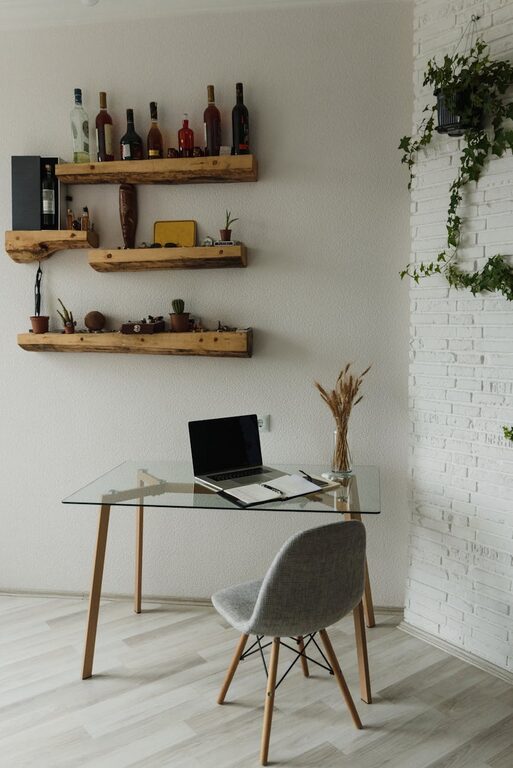
– Use Storage Solutions: Shelves, drawers, and desk organizers keep supplies within reach but out of the way.
– Limit Desk Items: Keep only the essentials on your desk to minimize clutter.
– Regular Cleanup: Take a few minutes daily to tidy your workspace and file papers or put away items.
Consider using cable clips or trays to keep cords neat and prevent tangling.
—
Personalize Your Space
Adding personal touches can make your workspace feel inviting and unique:
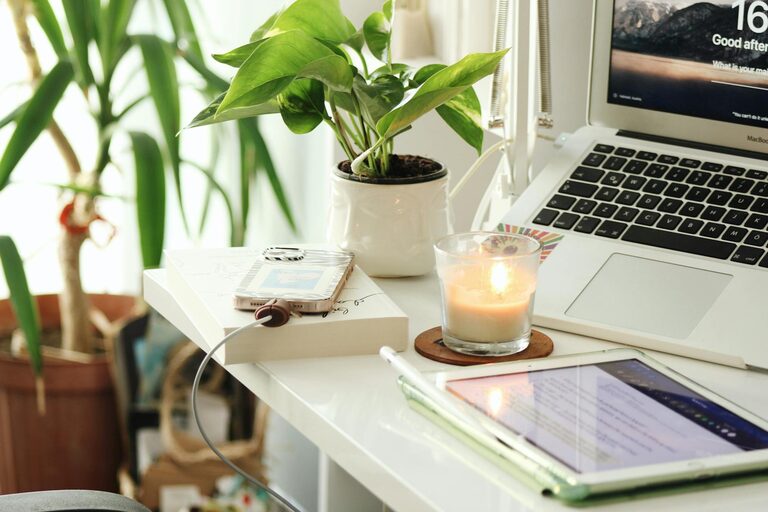
– Plants: Small indoor plants improve air quality and add a natural, calming touch.
– Artwork: Hang inspiring prints, photos, or quotes that motivate you.
– Decorative Accessories: Use items like candles, decorative jars, or colorful organizers that match your style.
Remember to keep the personalization balanced so it doesn’t become distracting.
—
Lighting Matters
Good lighting is crucial for comfort and productivity:
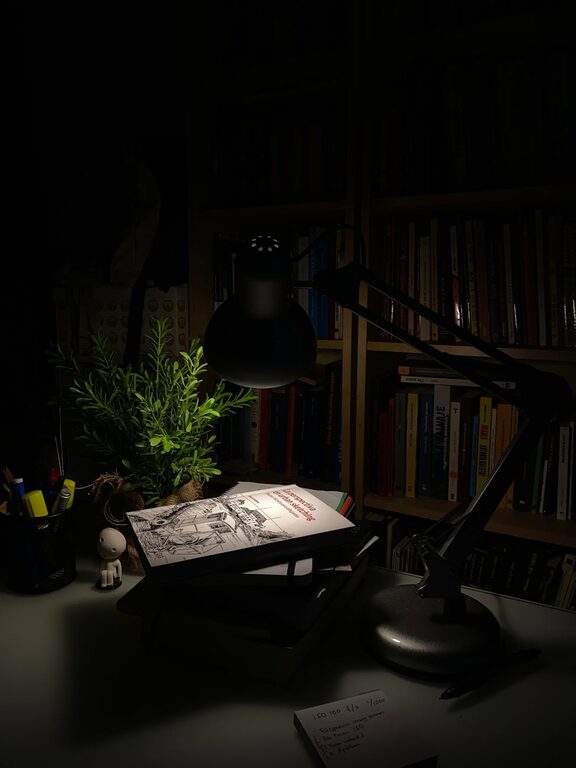
– Task Lighting: Use a desk lamp with adjustable brightness to avoid eye strain.
– Warm Light Bulbs: Opt for bulbs with warmer color temperatures for a cozy atmosphere.
– Avoid Glare: Position screens and lighting sources to prevent glare on your monitor.
If natural light varies during the day, consider layering light sources—for example, combining overhead lights with desk and floor lamps.
—
Create Boundaries Between Work and Home
Defining clear physical or mental boundaries helps separate work time from relaxation:
– Dedicated Workspace: Keep work materials confined to your workspace only.
– Visual Cues: Use rugs, screens, or furniture arrangement to mark your work area.
– Routine: Set consistent work hours and rituals that signal the start and end of your workday.
This division supports better focus during work hours and helps you unwind after.
—
Keep Refreshments Handy
Staying hydrated and nourished is important when working at home:
– Water Bottle: Keep a bottle or glass nearby to remind yourself to drink regularly.
– Healthy Snacks: Store light snacks within easy reach to maintain energy without disrupting work.
– Tea or Coffee Station: A small setup with your favorite beverages can add comfort and encourage short, refreshing breaks.
—
Utilize Technology Wisely
Technology can support your productivity without complicating your workspace:
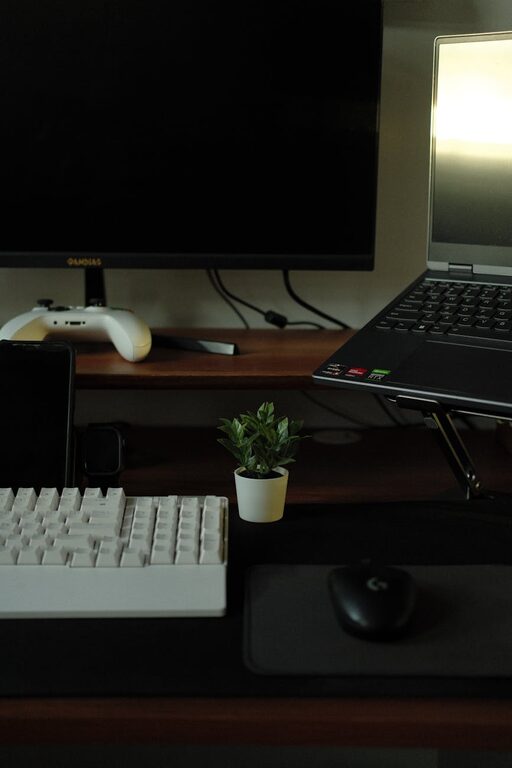
– Wireless Devices: Use wireless keyboards, mice, and headphones to reduce cable clutter.
– Screen Privacy: If you work in a shared area, consider using privacy screens.
– Apps and Tools: Choose apps that help you manage tasks, calendar, and focus, but avoid unnecessary distractions.
Regularly update and maintain your devices to ensure smooth workflow.
—
Final Thoughts
Designing a cozy and inviting home workspace is about balancing comfort, functionality, and personal style. Small changes like improving lighting, organizing your desk, and adding calming touches can transform your workday experience. Remember, the best workspace is one that supports your well-being and productivity, making working from home a pleasant and effective routine.
Try out these tips to create a home workspace that feels just right for you!