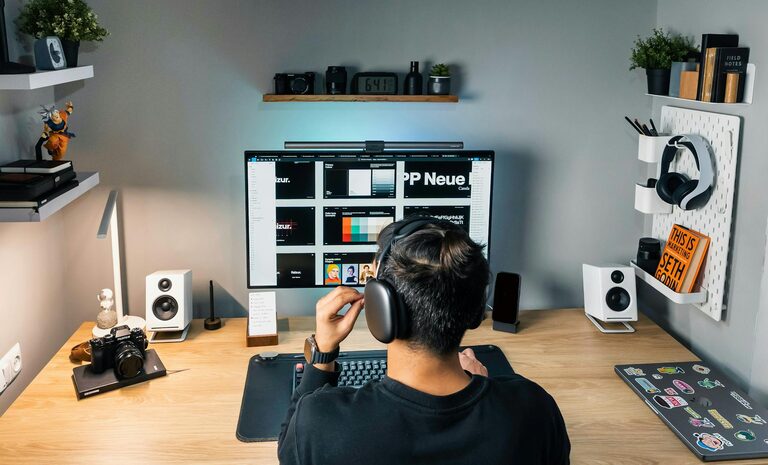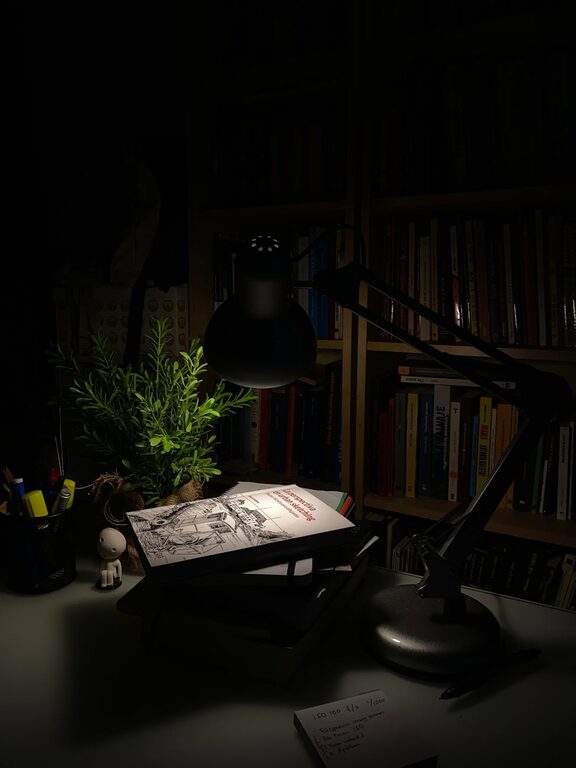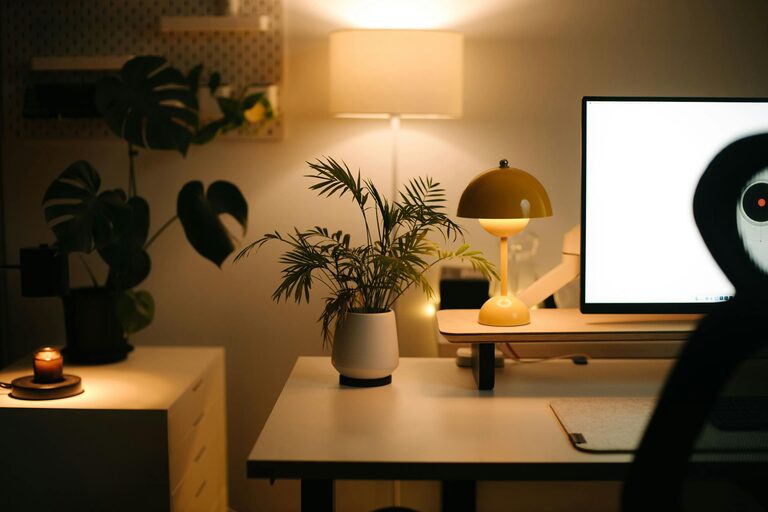
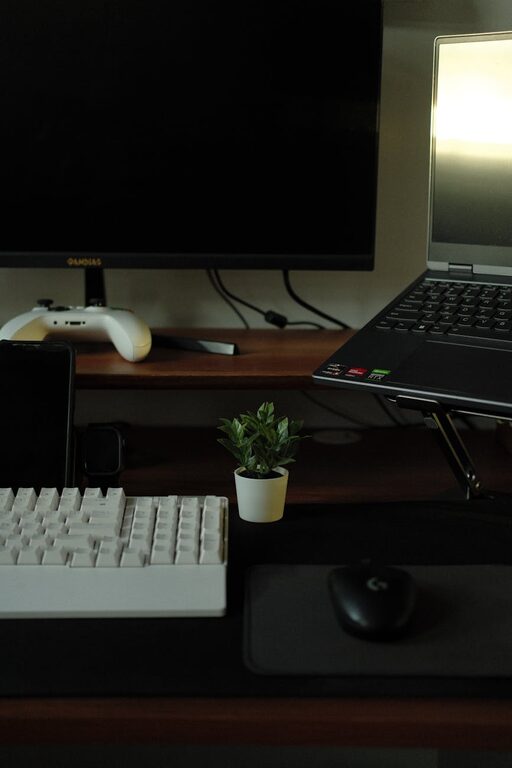
Creating an efficient and comfortable home workspace is essential for anyone working remotely or spending time on personal projects at home. A well-organized area can help reduce distractions, increase focus, and improve overall well-being. In this post, we will explore actionable tips to organize your home workspace in a way that supports productivity and comfort.
Why Organizing Your Workspace Matters
An organized workspace isn’t just about aesthetics; it directly impacts how you work. Clutter can cause mental overload and stress, while a clean, well-planned environment encourages a clearer mind and better concentration. When you design your space thoughtfully, you set yourself up for success with fewer interruptions and less frustration.
Choosing the Right Location
Assess Your Options
Start by selecting a spot in your home that naturally supports your work routine. Ideally, this space should be quiet, have good lighting, and be free from high traffic that might disrupt your focus.
– Natural light: Position your desk near a window to take advantage of daylight, which can boost mood and energy.
– Minimal distractions: Choose an area away from noisy appliances, busy household activities, or entertainment zones.
– Comfortable space: Ensure there’s enough room for you to move and store essential items.
Invest in Comfortable, Functional Furniture
Ergonomic Chair and Desk
Comfort is key in maintaining productivity. An ergonomic chair with good lumbar support helps prevent back pain, while a desk at the right height avoids strain on your wrists and shoulders.
– Adjustable features: Invest in chairs and desks that can be adjusted to suit your posture.
– Standing desks: Consider a sit-stand desk to alternate positions throughout the day.
– Desk space: Make sure the desk surface is ample enough for your computer, paperwork, and accessories without cluttering.
Organize Tools and Supplies Efficiently
Declutter and Sort
Spending a few minutes organizing your tools daily can save time and prevent distractions.
– Keep essentials close: Store frequently used items like pens, notebooks, and chargers within arm’s reach.
– Use organizers: Drawer dividers, trays, and containers can keep small items tidy.
– Label storage: Labels on drawers and boxes can help you find things quickly.
Digital Organization
Creating a clutter-free physical workspace also means managing your digital files and tools.
– Desktop cleanup: Regularly clear desktop icons and organize files into folders.
– Use productivity apps: Tools like calendars, task managers, and note apps can keep your work structured.
Optimize Lighting
Adequate lighting minimizes eye strain and enhances mood.
– Layered lighting: Combine natural light, overhead lighting, and task lamps.
– Task lighting: Use adjustable desk lamps to focus light where you need it most.
– Warm light: Choose bulbs with a warm temperature for comfort during long working hours.
Personalize Your Workspace Wisely
Adding personal touches makes your workspace welcoming but avoid clutter.
– Plants: Small indoor plants improve air quality and create a calming environment.
– Artwork or photos: Choose inspiring images without overcrowding the space.
– Minimal décor: Keep decorations simple to maintain focus.
Maintain Cleanliness and Regular Upkeep
Consistent maintenance is vital to keep your workspace organized and inviting.
– Daily tidy-up: Spend 5-10 minutes clearing your desk at the end of each day.
– Weekly deep clean: Dust, vacuum, and wipe surfaces every week to maintain hygiene.
– Evaluate regularly: Periodically review your setup and adjust as your needs change.
Manage Cables and Technology
Cable clutter can add unnecessary stress and mess.
– Cable organizers: Use clips, sleeves, or boxes to bundle and hide cords.
– Wireless devices: Consider wireless keyboards, mice, and chargers.
– Tech ergonomics: Position monitors at eye level to avoid neck strain.
Create Zones for Different Activities
If your workspace allows, designate areas for specific tasks.
– Work zone: Main desk area for focused tasks.
– Reference zone: Shelves or filing cabinets to store documents and books.
– Break zone: A comfortable chair or spot for short relaxation breaks.
Set Boundaries and Routines
Clear boundaries between work and personal life promote productivity.
– Defined work hours: Set regular times for starting and finishing work.
– Signal workspace boundaries: Use physical cues like closing a door or a room divider.
– Take breaks: Schedule short breaks to stretch and refresh.
—
Organizing your home workspace is an ongoing process that evolves with your preferences and work demands. By implementing these tips, you can create an environment that supports both productivity and comfort, leading to more enjoyable and effective workdays. Start small, prioritize what helps you focus, and adjust your space as needed for the best results.